What the browser downloaded
In this coffee-cup test, the browser downloaded the model. From choosing the file to seeing the preview, every recorded HTTP request was a GET with an empty body.
· Chromium 153.0.8010.12 · macOS · WASM · Local static build
Original photo · GET × 11
View the request log (JSON)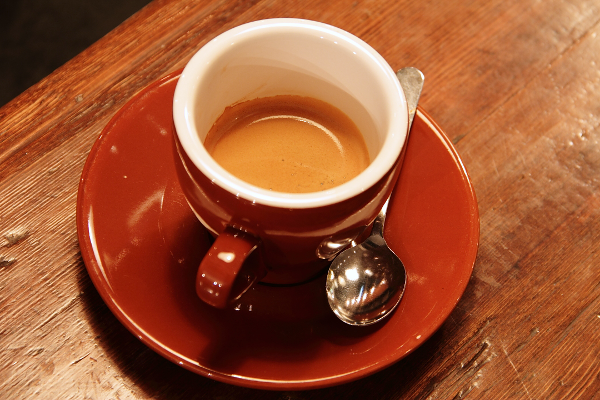
How to remove a background privately
Open cutoutpic in a current browser. No sign-up; the free preview never asks for one.
Drop, choose or paste your image. Your browser downloads the model once (a few MB for the fast tier) and caches it.
The cutout appears in seconds. Download the transparent PNG — the only bytes that travelled were the page, the inference runtime and the model.
How to check it yourself
Do not take our word for it. Open your browser devtools (F12 or ⌘⌥I), switch to the Network tab, then process an image. You will see the page assets and the model files download. You will not see a request that carries your image — there is no upload endpoint for the free preview to call.
Once the model is cached (chunked downloads resume via IndexedDB `cutoutpic-models`, and the verified weights persist in the Cache API store `cutoutpic-models-v1`, falling back cleanly in private browsing without storage) you can even switch off Wi-Fi and process another image; the page still works because nothing was ever on a server. Note that browsers without WebGPU fall back to WebAssembly SIMD mode, which runs slower and disables the refined pass. This in-browser privacy applies across international locales: usuwanie tła ze zdjęcia w przeglądarce bez wysyłania pliku (pl), odstranit pozadí z fotky zdarma bez registrace (cs), ta bort bakgrund från bild gratis i webbläsaren (sv), and fjerne bakgrunn fra bilde gratis uten registrering (nb).
When the private path is the right choice
- ID documents, medical images, contracts and anything under NDA — material you are not allowed to hand to a third party.
- Photos of children, colleagues or clients where you do not hold the right to share them with another service.
- Unreleased products and designs.
- Work networks where uploads to unknown services are blocked or audited.
What it costs you
The trade-off is hardware: your device does the work, so speed depends on it. With WebGPU the refined tier runs in a fraction of a second once its larger model has downloaded; the compatibility path is slower and its edges are rougher. This remove bg HD free preview is capped at 1280 px on the longer side and exports a lossless transparent PNG without watermarks.
A paid full-resolution export is planned. When it opens, it will be the only path that sends an image to our servers — opt-in, clearly labelled, and deleted after a short retention period.
Questions about this use
Does "in your browser" mean a browser extension or an app?
No. It is a normal web page. Nothing is installed; the model is a file your browser downloads and caches like an image.
Can the site see my image at all?
Not in the free preview. There is no upload request, so there is nothing for us to see, log or store.
Why do some other "no upload" tools still send data?
Some run the model on a server and only keep the file briefly; some upload thumbnails for analytics. The Network tab is the only reliable check — it shows every request, whatever the page claims.